TNT Mining Guides Hub
Train, blast, sell, Rebirth, and unlock deeper mines — every walkthrough in one place.
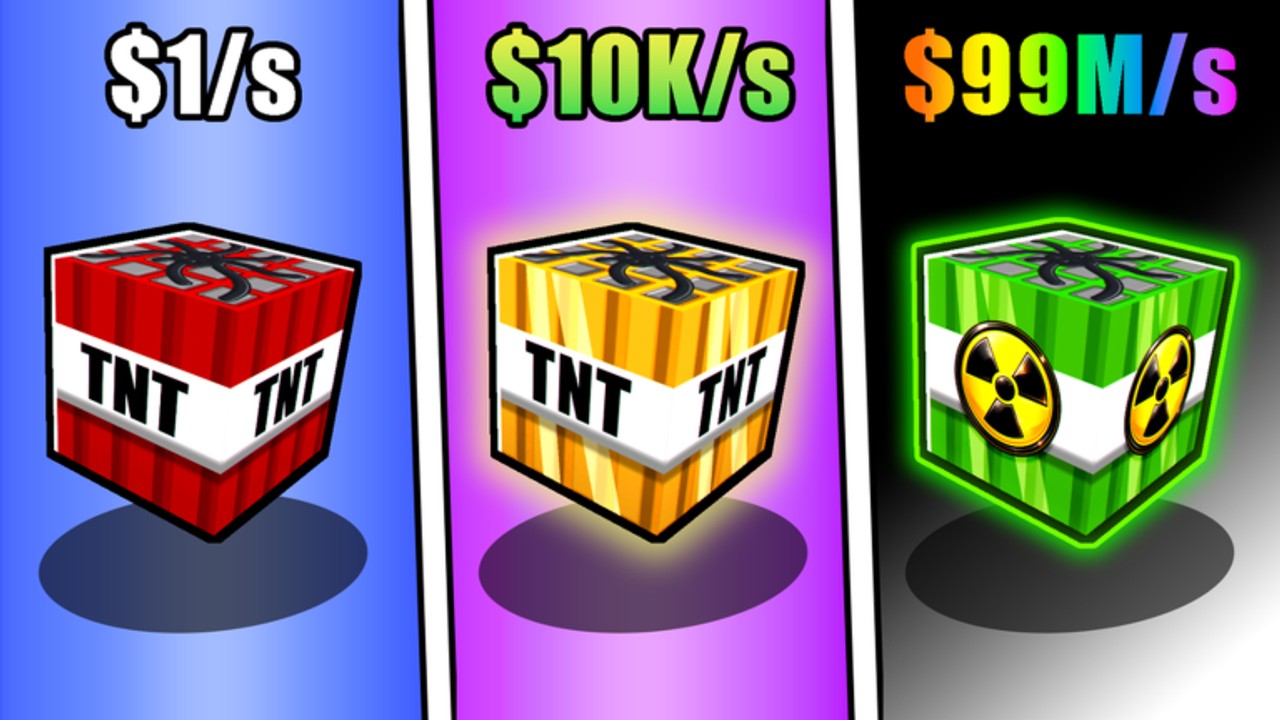
+1 TNT Mining (also called TNT Mining) is a free-to-play Roblox incremental mining simulator by Slap Core Games. You train TNT Damage, place charges in the mine, ignite them with flint, scoop the shattered blocks, sell for Cash, then spend that Cash on better TNT, upgrades, and new areas. This Guides Hub is the map for every how-to on the wiki.
Start with the Getting Started walkthrough if you just joined, or jump to the Noob to Pro roadmap for a staged climb from first blast to mid and late game. When your wallet stalls, open Make Money. When Damage climb feels slow, read How to Train. When Cash gates block the black wall, use Unlock Areas and Rebirth together. For station spending priorities, open the Upgrades guide.
Core loop at a glance
- Train Damage — click TNT or stand in Training spots (Dirt through Ruby as Rebirths unlock them).
- Enter the mine, place TNT, equip flint, ignite, collect blocks.
- Return to the lobby Sell station for Cash.
- Buy stronger TNT and permanent upgrades.
- Hit level thresholds and Rebirth for Damage gain rate and Cash multipliers.
- Spend Cash at the black wall green button to unlock areas, then Teleport between zones.
Trained Damage carries across TNT types. Expensive shop TNT adds a much higher base Damage that stacks with training, so shop tier and training always work together. Pets from eggs boost training gain on both click and AFK Training spots — see the Pets and Pets tier list pages when you plan hatches.
Guide index
| Guide | Best for |
|---|---|
| Getting Started | First session, controls, sell loop |
| Noob to Pro | Full progression roadmap, stage checklist |
| Make Money | Cash/minute, TNT ROI, Rebirth income |
| Rebirth | When to reset Damage/levels; what you keep |
| How to Train | Click vs Training area; zone multipliers |
| Unlock Areas | Black wall, Cash gates, Teleport |
| Upgrades | Carry, placement, speed, range, Area Mine Luck |
| Group Rewards | Like, favorite, group, Daily, Index freebies |
Related wiki hubs
Pair these guides with ranking and utility pages:
- Codes — redeem free Cash or boosts when codes drop.
- Tier List Hub — overall rankings; dig into TNT Blocks and Pets.
- Scripts — community automation notes (use at your own risk).
- Players Hub and Pets — companion and hatch systems.
- Updates — patch notes that change prices or zones.
- Controls — WASD, Space, E, number keys, LMB.
- Links — official Roblox place and community resources.
First-hour priorities
Do not ignore Training just because mining looks flashy. A few minutes of Damage training before your first serious blast run multiplies blocks per detonation. Sell often early so you can buy the next TNT tier instead of hoarding inventory. Take your first Rebirth as soon as the level gate opens — surplus levels past the threshold are wiped anyway, and permanent multipliers pay for deeper area unlocks that raw grinding alone rarely funds.
On PC, mobile, and console the same loop applies; only input devices change. Keep an eye on TNT placement limit and carry capacity at the Upgrades station so you are not walking back empty-handed after every fuse. Movement speed and collection range upgrades cut dead time between blasts, which compounds with Cash multipliers from Rebirth. When you want a single path from lobby tourist to Teleport farmer, follow Noob to Pro and use Make Money whenever sells feel weak.
How to use this hub
Read sibling guides in order when you are brand new: Getting Started → How to Train → Upgrades → Rebirth → Unlock Areas, or follow the staged Noob to Pro checklist. Mid-game players can jump straight to Rebirth timing, Make Money ROI, or Area Mine Luck priorities. Cross-check TNT shop choices against the TNT Blocks tier list before dumping a large Cash stack into a mid-tier stick you will replace in one session.
When Slap Core Games ships balance patches, revisit Updates first, then return here — training spot unlocks, area Cash costs, and upgrade curves are the usual change targets. Bookmark this Guides Hub and the Getting Started page so you always have a clean entry point after a wipe or alt account.
Platform and free-to-play notes
+1 TNT Mining launched around 29 June 2026 on Roblox and plays on PC, mobile, and console without a required purchase. Robux cosmetics or convenience packs may exist, but the full train–blast–sell–Rebirth–unlock path is available for free. If you want faster Damage recovery after a Rebirth, invest Cash into pets and Training zone access rather than skipping the Rebirth button — permanent multipliers are the real late-game engine.
For controls detail beyond this hub, use Controls. For redeemable gifts, check Codes after every update announcement.
Frequently Asked Questions
Quick answers to the most common questions.
Where should a new +1 TNT Mining player start?
Open Getting Started for the first-session loop, or Noob to Pro for a staged roadmap, then How to Train and Upgrades before your first Rebirth.
Do I need Rebirths to unlock new mining areas?
Area gates cost Cash. Rebirth Cash multipliers make those gates realistic; raw early Cash rarely stretches far enough alone.
Does trained Damage reset when I buy new TNT?
No. Training Damage carries across TNT types. Shop TNT adds its own base Damage on top of your trained total.
Where do I learn to earn Cash faster?
Use the Make Money guide for sell-loop ROI, TNT tiers, Rebirth Cash multipliers, income upgrades, areas, and pets.
What else should I read with these guides?
Use Codes, the TNT Blocks and Pets tier lists, Players/Pets pages, Updates, Controls, and the Links hub alongside this Guides Hub.