TNT Mining How to Redeem Codes
Find the Codes UI, paste strings cleanly, and fix the errors that block rewards.
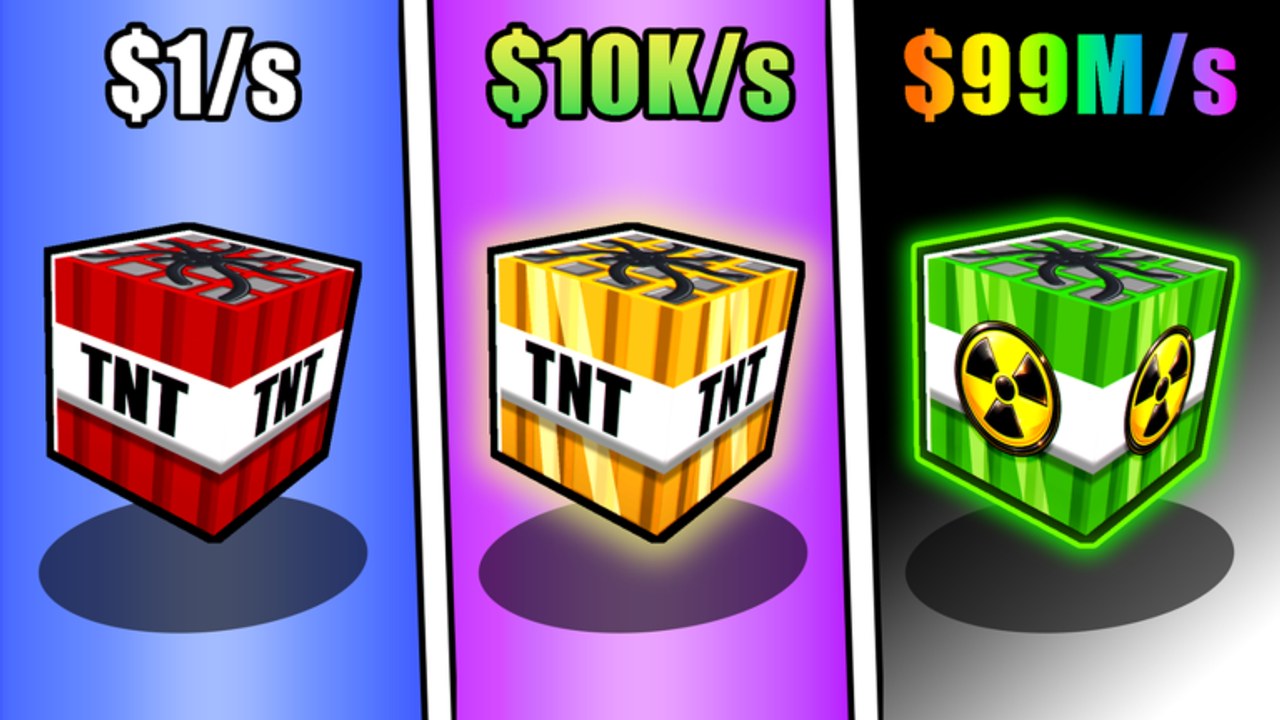
Redeeming codes in +1 TNT Mining should take under a minute once a Codes UI exists. Slap Core Games built a free-to-play Roblox incremental where you train Damage, place TNT, ignite with flint, collect and sell blocks, buy TNT and upgrades, then Rebirth for permanent multipliers while keeping Cash, TNT unlocks, and upgrades. Codes, when they appear, are a side boost on top of that loop—not a replacement for training, pets, or deeper Dirt-to-late-area unlocks.
As of September 2026, public code lists for this brand-new title are still thin. Learn the redeem habit now so the first real milestone or update code does not expire while you search for the button. Pair this guide with the Codes Hub for status checks and with Getting Started if you are still learning the lobby layout.
Before you redeem
- Confirm you are in the correct place: +1 TNT Mining by Slap Core Games (not a similarly named TNT clicker or incremental).
- Finish loading into the lobby. Redeem fields often fail if you paste during the join fade.
- Have the code copied from a trusted source such as a group shout, official Discord post, or Updates note—not a random DM.
- Free inventory or note your Cash total so you can verify the reward landed.
- If the studio requires a group join for some gifts, join the Slap Core Games community group first, then rejoin the experience.
Step-by-step redeem flow
Exact button art can change after patches, but the flow stays consistent across Roblox simulators:
- Open +1 TNT Mining on Roblox and spawn in the lobby.
- Scan the left, right, or bottom HUD for a button labeled Codes, Redeem, Twitter, or a shop icon that opens a panel with an enter-code box.
- Open that panel. If you only see gamepasses, scroll; redeem fields are often at the bottom of Shop.
- Click the text field so the caret is active. On mobile, tap once and wait for the on-screen keyboard.
- Paste the code with Ctrl+V (Windows) or the mobile paste action. Avoid typing from memory when the string mixes letters and numbers.
- Remove any accidental space at the start or end. Codes are usually case sensitive.
- Press Redeem, Submit, or the confirm arrow.
- Read the toast or chat feedback. Success messages often mention Cash, items, or boosts.
- Check Sell station Cash, backpack TNT, pet inventory, and any boost timers.
- If nothing changed, leave and rejoin once, then try again before assuming the code is dead.
After a successful redeem, return to training or mining. Spend free Cash on upgrades that matter—carry capacity, placement limit, speed, collection range, and mine luck—or save toward the next TNT tier and area unlock past Dirt.
Troubleshooting
Case sensitivity
Most Roblox promo codes are case sensitive. Release and release are different strings. Always paste from the announcement instead of retyping in all lowercase. If a screenshot shows mixed case, match it exactly.
Extra spaces and line breaks
Copying from Discord or social apps sometimes adds a trailing space or invisible character. Delete the field contents, paste again, and tap the end of the string to confirm no blank gap remains. Do not put spaces between characters unless the official post shows them.
Expired or already used
Expired codes return an invalid or expired message. Already-redeemed codes usually say you already claimed that gift. Neither error is fixed by rejoining forever—move on and watch the next Updates drop. Keep a personal note of codes you already used so you do not spam the same string after every patch.
Wrong game
TNT-themed Roblox games share naming patterns. A code for a different incremental will never redeem here. Confirm the place name and Slap Core Games branding before blaming the UI.
No Codes button
If your client has no redeem field, the feature may not ship yet or may be gated behind an update. Do not install third-party tools that claim to inject codes. Keep playing the normal loop: train Damage, place TNT, flint ignite, collect and sell, upgrade, hatch pets when Cash allows, and Rebirth when the level threshold appears.
Server lag and soft failures
Busy servers after an update can swallow the first redeem click. Wait two seconds after the lobby loads, redeem once, then wait for a response before mashing the button. If the UI freezes, close the panel, reopen it, or soft rejoin. Avoid redeeming in the middle of placing TNT or collecting a huge pile of blocks; finish the mining run, sell, then redeem in the lobby for cleaner feedback.
Mobile keyboard issues
On phones, autocorrect can change a code mid-paste. Disable autocorrect for the Roblox text field when possible, or paste from a notes app. Landscape mode sometimes makes the confirm button easier to hit.
Group or verification gates
Some rewards require joining the developer group or verifying a social follow before the string works. Complete those steps, rejoin the place, then redeem again. If the game still rejects a freshly announced code after a clean paste, wait a few minutes—rollouts can lag behind the shout.
Safe habits
Never share your Roblox password, backup codes, or account cookies with someone who offers to redeem for you. Real promo codes are short public strings. Anyone asking for account access is scamming. Likewise, ignore sites that force endless key systems just to show a code list; use official channels and this wiki’s Codes Hub.
Redeem before long AFK training sessions so boosts, if granted, cover the session. After redeeming Cash, decide intentionally: next TNT base Damage, an upgrade that removes a friction point (carry, placement, speed, range, luck), a pet egg for training multipliers, or a Cash sink toward the next deeper area beyond Dirt. Rebirth still resets only Damage and levels—codes do not change that rule.
After you redeem
- Train briefly so any Damage-related gift shows in your numbers.
- Buy the highest TNT you can afford if its base Damage jump is large; trained Damage stacks on top of that base.
- Equip your best pets before a long training zone stand.
- Push a mining run with flint ignition, collect, sell, then consider Rebirth if you are sitting on the level threshold.
When new strings go live, return to the Codes Hub for the active list, then use this page again if the UI moved. Honest play plus clean redeem habits beats chasing every unverified paste for a brand-new Slap Core Games release.
Frequently Asked Questions
Quick answers to the most common questions.
Where is the Codes button in +1 TNT Mining?
Look on the HUD or inside Shop for a Codes or Redeem field. Exact placement can move after updates; if none exists yet, the feature may not be live.
Why does my code say invalid?
Common causes are wrong case, extra spaces, an expired string, a code for a different game, or redeeming before the lobby fully loads.
Do I lose redeemed rewards on Rebirth?
Rebirth resets Damage and levels only. Cash, TNT unlocks, and upgrades stay. Item or Cash gifts from codes follow those same keep rules once they are in your account.
Should I redeem on mobile or PC?
Either works. PC paste is usually cleaner; on mobile, paste from notes and watch for autocorrect changing characters.